Saves and progress
Where ShredDead keeps progress, why there is no Steam Cloud, what a prestige reset wipes, and how to back up a run before you reset anything.
ShredDead saves automatically, keeps progress on your machine, and does not use Steam Cloud. That single fact changes how you should treat a long run. 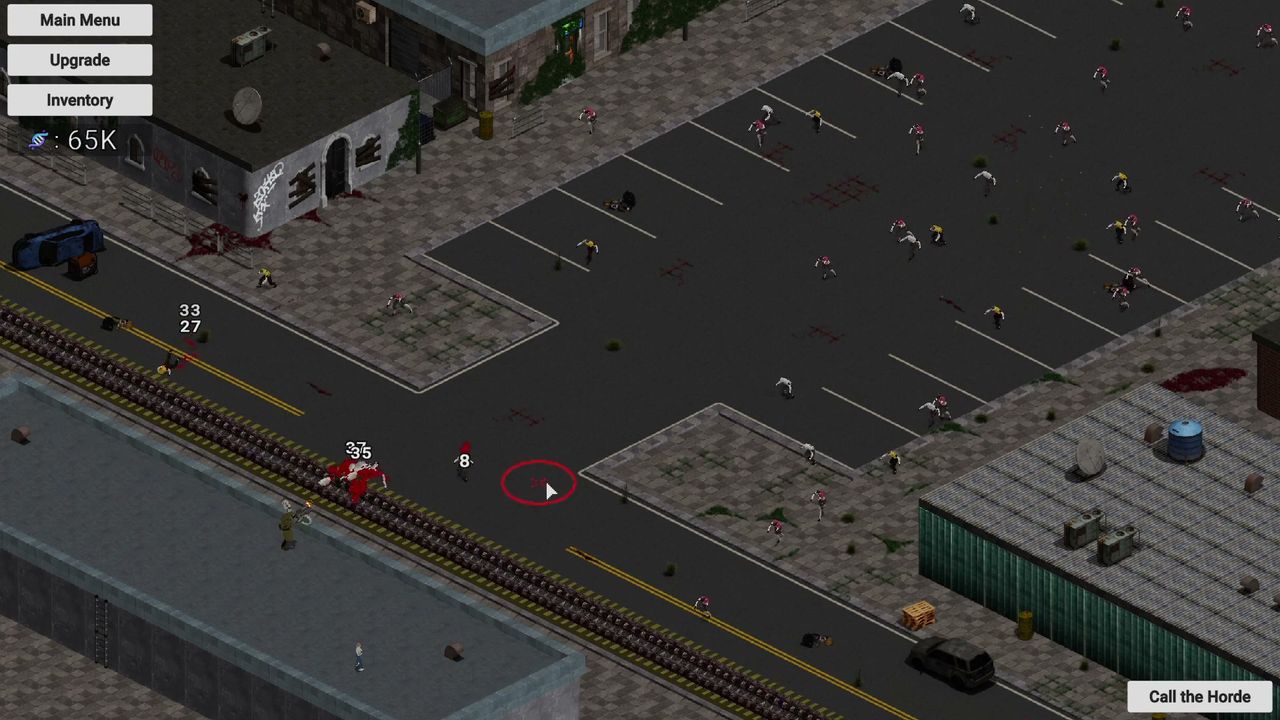
What the store says
The Steam feature list for ShredDead includes Single-player, Steam Achievements, Full controller support, DualShock and DualSense support, and Family Sharing. It does not include Steam Cloud. This page is not speculating: cloud saving is a store-listed feature, and it is absent.
Consequences:
- Progress does not follow you between two computers.
- Uninstalling without a backup loses the run.
- Family Sharing works, but the shared player gets their own local progress, not yours.
Where it lives
The game is a Unity title, and Unity games on Windows write their data under your user profile's AppData\LocalLow folder, in a studio-named subfolder. For ShredDead that is the Weird Penguin Games folder. If you want to back up a run before a prestige, copy that folder somewhere safe while the game is closed.
On macOS the equivalent lives under your user Library's Application Support area, again under the studio name.
What resets, and when
| Event | What you lose | What you keep |
|---|---|---|
| Closing the game | Nothing | Everything, saved automatically |
| Prestige | The run: tree, currency, gear | Prestige points and their perks |
| Reinstalling without a backup | Everything | Nothing |
| Carrying a demo save over | Not possible — the demo build was rebalanced | Nothing |
The demo one is worth repeating because it is the question most often asked: the pre-launch demo does not transfer. Players confirmed it in the discussions, and the reason given is balance changes between builds.
Before you prestige
- Finish wave 5 and let the achievements land.
- Close the game.
- Copy the save folder.
- Reopen, prestige, and rebuild.
The prestige page covers what the points actually buy, and known issues has the one bug that can stop loot dropping mid-run — worth knowing before you assume a save is broken.
No cloud, so mind the machine
If you play on a desktop and a laptop, pick one. There is no sync, and merging two local saves is not a thing the game supports. The Steam Deck and Mac page covers the same issue for anyone tempted to continue a run on a Deck.