Performance and settings
ShredDead settings that matter: windowed mode, resolution, the screen that goes dark after a resolution change, no pause in menus, and controller support.
ShredDead has a short settings list and two behaviours that surprise people in the first hour: the screen can go dark after a resolution change, and the game does not pause while you are in a menu. 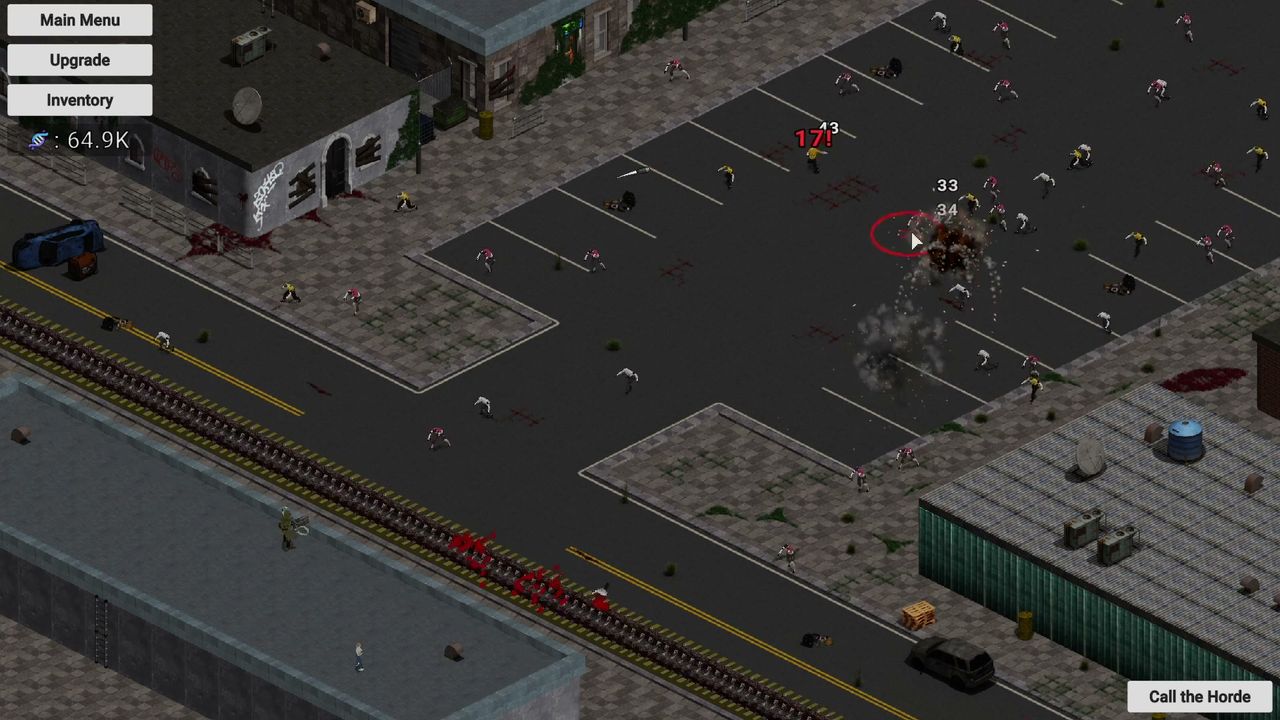
Settings that matter
| Setting | What to do | Why |
|---|---|---|
| Resolution | Set it before you start a long run | Changing it mid-run can darken the scene |
| Windowed / fullscreen | Windowed is the mode players ask about most | Threads on the Steam forum ask whether it exists, which suggests it is not obvious |
| Controller | Full support, including DualShock and DualSense | The skill tree is faster with a mouse |
| Audio | No separate audio-language list on the store | Text languages only, so expect English voices |
The dark screen
Changing resolution can leave the whole scene almost black. Players describe two things that bring it back: clicking something in the upgrade screen, and restarting the game. It is not a graphics-driver issue — one player notes it happens whenever the resolution is changed, on hardware that runs everything else fine.
Practical ordering: set your resolution once, at the start, then leave it alone. If the screen does go dark, open the upgrade screen and click a node before you do anything drastic. It is written up with the other launch-week problems on known issues.
No pause
The upgrade screen does not stop the simulation. Zombies keep walking, the gun keeps firing, DNA keeps accruing. This is deliberate for an incremental game — the whole point is that progress continues — but it means you cannot step away mid-purchase without the run moving on.
If you need a real break, the safe move is to leave the street in a state that holds: a defended choke and nothing queued. That is also the state the shredder-first build is designed around.
Performance
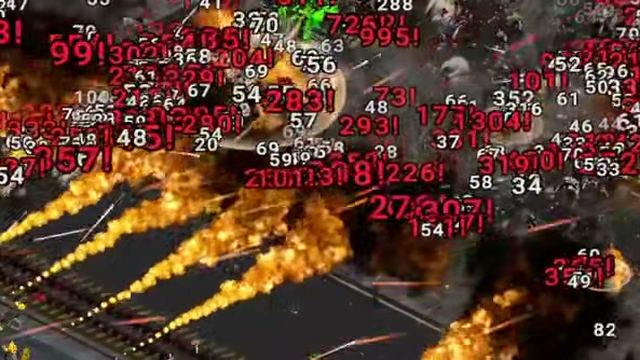
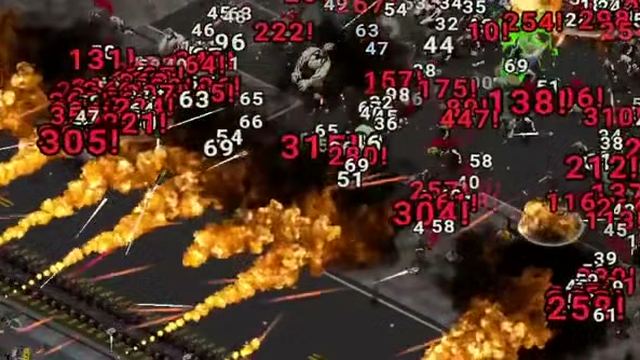
The minimum spec is a Core 2 Duo and any DX11 card, with 1 GB of storage. There is no recommended tier published, so Valve shows the minimum as the only guide. In practice the frame cost is in the horde moments, when dozens of units and damage numbers are on screen at once.
Three things help:
- Do not stack a horde on top of a wave you have not cleared.
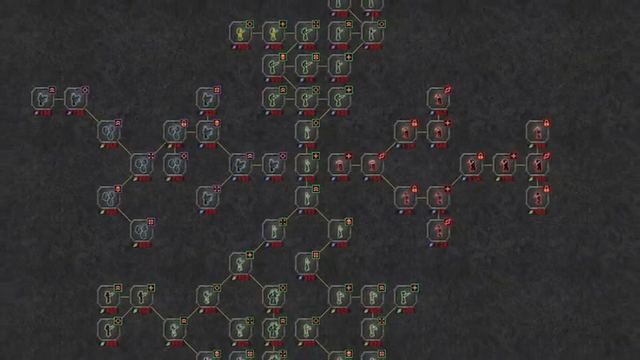
- Keep the camera at the default zoom; zooming the skill tree is a separate screen and does not affect the street.
- If you are on a laptop, force the discrete GPU for the executable.
Windowed mode and saving
The most-viewed unanswered thread on the Steam forum in launch week is a German-language question asking whether the game has a windowed mode and how saving works. Neither is documented publicly. Saving is automatic — there is no save button in the interface — and the save location with no Steam Cloud is covered on saves and progress.
Controller support, honestly
Full controller support is listed, including DualShock and DualSense. The analogue cursor is fine for moving units and pressing the horde button; the node graph is where a mouse wins, because zooming and panning across a large tree with a stick is slower than a scroll wheel. Use the pad for play, the mouse for the tree. Requirements are on system requirements.