Known issues
ShredDead problems reported in the first two days: the dark screen after a resolution change, the skill tree camera, horde loot stopping and Windows 11 blocks.
Four reproducible problems from ShredDead's first two days, each with what causes it and what to do. None of them are game-breaking; all of them are annoying. 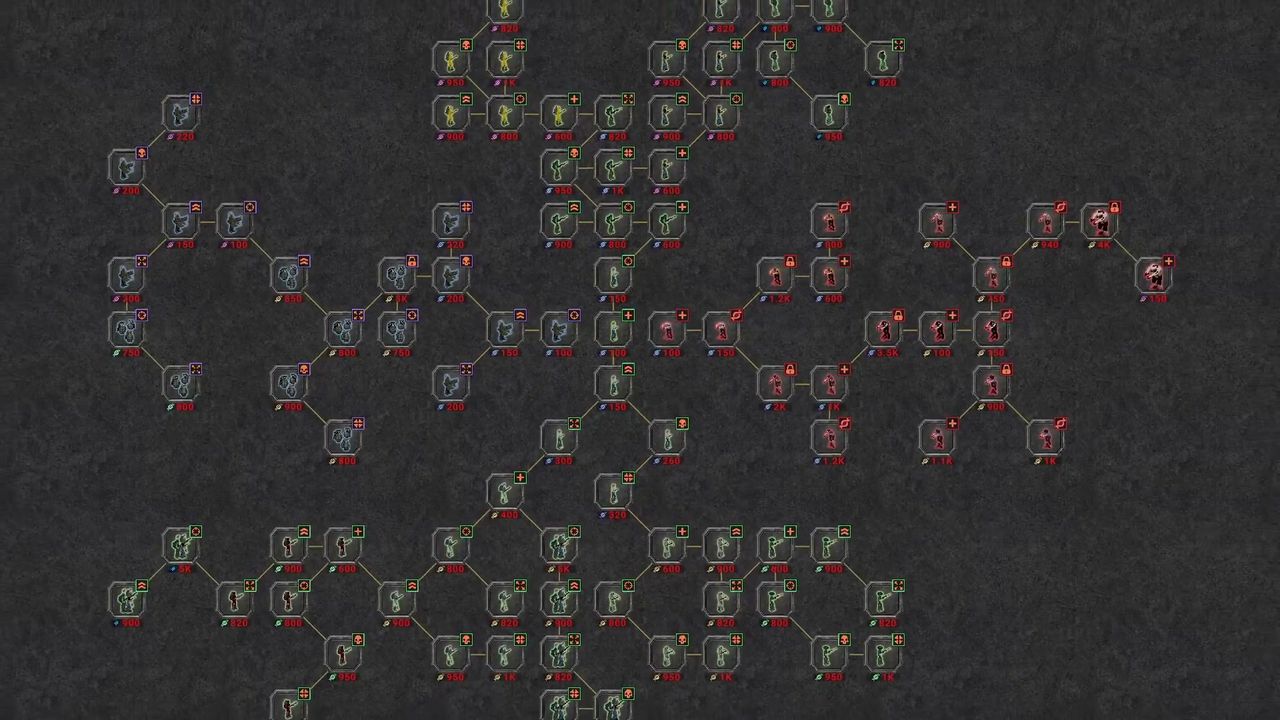
At a glance
| Symptom | Fix | Restart needed |
|---|---|---|
| Screen goes dark after a resolution change | Click a node in the upgrade screen | No |
| Lower skill tree nodes unreachable | Zoom out with the mouse wheel | No |
| Loot stops dropping after a horde | Restart the game | Yes |
| Game blocked on Windows 11 | Smart App Control is refusing the build | n/a |
1. The screen goes dark after a resolution change
Symptom: the whole scene turns almost black after changing resolution. Cause: a rendering bug tied to the resolution switch, not to your GPU. Fix: click something in the upgrade screen — players report it brightens immediately — or restart the game. Best prevention is to set your resolution once and leave it.
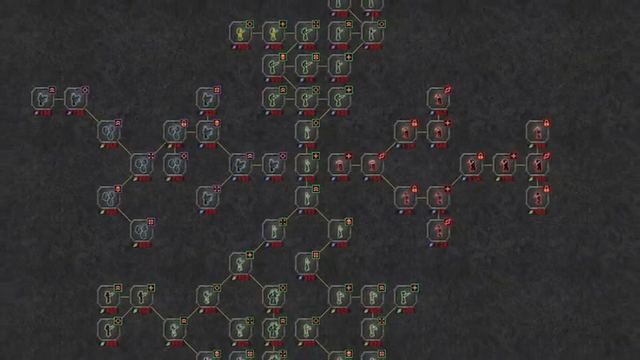
2. The skill tree camera traps you
Symptom: zooming in snaps the view to the centre of the tree, and lower nodes become unreachable, sometimes with nothing visible to scroll toward. Cause: the zoom re-centres the camera instead of holding your position. Fix: zoom out with the mouse wheel. The whole graph returns and you can pan to the node you wanted. One player confirmed this in the same thread where the bug was reported.
3. Loot stops dropping after a failed horde
Symptom: item drops stop entirely, and stay stopped. Cause: a reported state flag that does not reset when a horde attempt fails. Fix: restart the game. The player who reported it describes it as a value not being set back where it should be, which is the kind of thing that gets patched rather than worked around.
4. Windows 11 blocks the game at launch
Symptom: the game will not start; the system reports the app as blocked, with an IL2CPP load failure. Cause: Windows 11 Smart App Control refusing an unsigned or unrecognised executable. Fix: Smart App Control is a Windows setting, not a game setting. Turning it off for the install (or adding an exception) is the route, and it is the same fix for any small indie build that trips it. This one is a Windows behaviour, so treat it as environment-specific.
What is not a bug
- No pause while upgrading. Deliberate. The simulation keeps running.
- No Steam Cloud. A missing feature, not a fault. Covered on saves and progress.
- Prestige feels pointless after the first reset. A design opinion shared by several players, not a defect — the prestige page explains why the discount is the one that counts.
- Endgame gets too easy. Also a design observation, and the most useful one: players are asking for a zombie upgrade in the tree so the curve keeps pace. See difficulty and endless.
Reporting something new
Weird Penguin Games publishes a support address on the store page and reads the Steam discussion board. A report with your OS, resolution and what you did immediately before the problem is worth ten reports that say "it broke".
If a fix here stops working after a patch, the updates page will carry the change.